
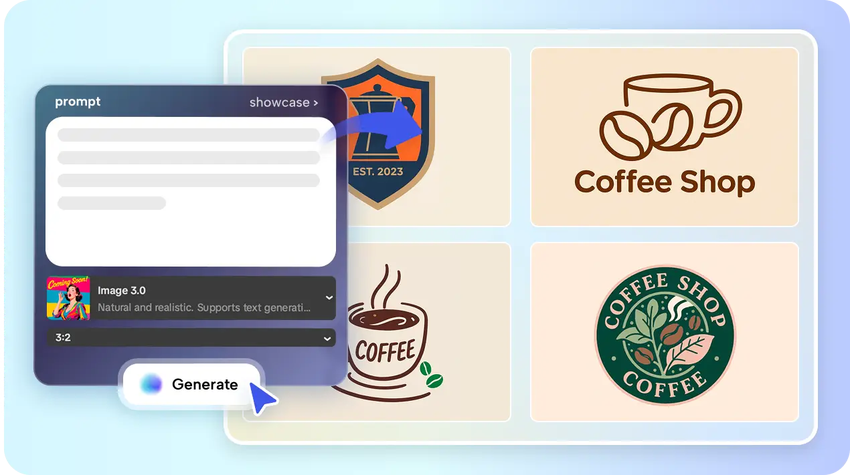
Personalized icons are influential in brand memory. These miniature images enable viewers to remember a brand more quickly compared to lengthy text or complicated images. Powerful icons also enhance online awareness around them since they can be seen in applications, websites, and social media content where a quick read is essential. CapCut meets this requirement by enabling the creation of icons in the same environment where full logo design would be done. Its web-based technology can assist you in creating, customizing and exporting brand elements without any software installation. This will allow icon creation to be efficient, flexible, and in keeping with your wider identity. An icon strategy makes your brand stronger on all platforms and allow people to instantly recognize your presence.
Understanding the AI Logo Generator Workflow
An AI-powered design workflow can be defined as a structured sequence of steps that direct your design process, starting with an inspiration and finishing with the final result. This sequential process will assist you to take an idea to export step-by-step. Creation of icons is different than creation of full logos since icons are based on simplicity of shape, clear line and good geometry. Typography or narrative layers are common in logos and icons need to be clear at any scale. CapCut gives you the opportunity to use either technique under the same platform, thus to create icons and logos that share similar aesthetics. This single-platform editing assists you to keep everything correct, enhance the pace of production, and be visually linked with all assets.
Constructing Icon Concepts using AI-Precision
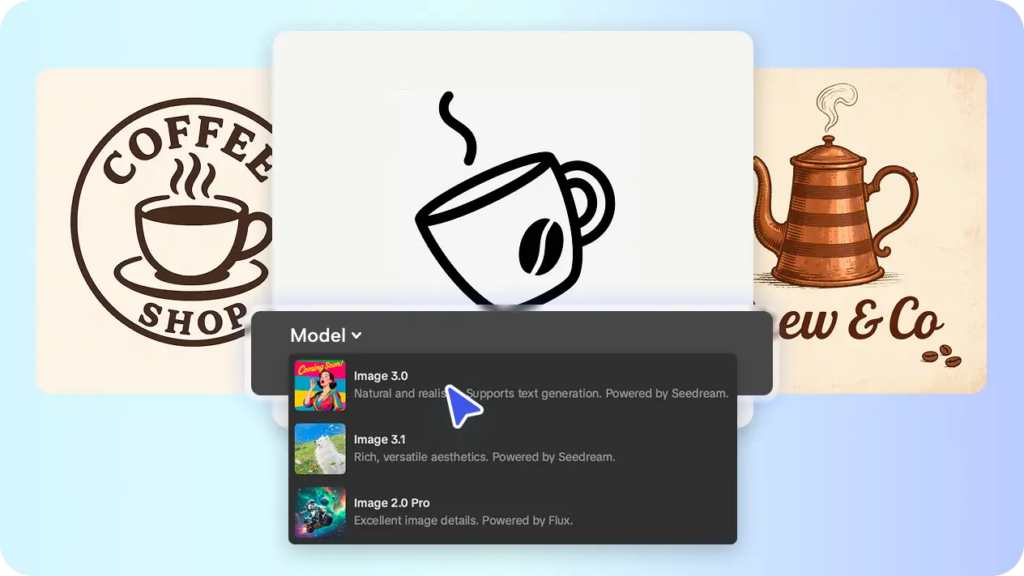
You can develop icons more precisely by specifying details in your prompt. You are able to instruct shape, style, line weight, gradients and minimalism with instructions. CapCut also works with a range of models such as Image 3.0, 3.1 and 2.0 Pro and they assist you in gaining clarity in complicated or tiny icon designs. The models examine visual instructions in an accurate manner, producing shapes that are sharp at different scales. The AI image generator assists with early concept development by producing clear drafts that highlight balance and proportion. Each model is in favor of various visual styles, and you can focus on realism, detail or versatility. This enhances quality and makes your icon to be readable in both small and large renderings.
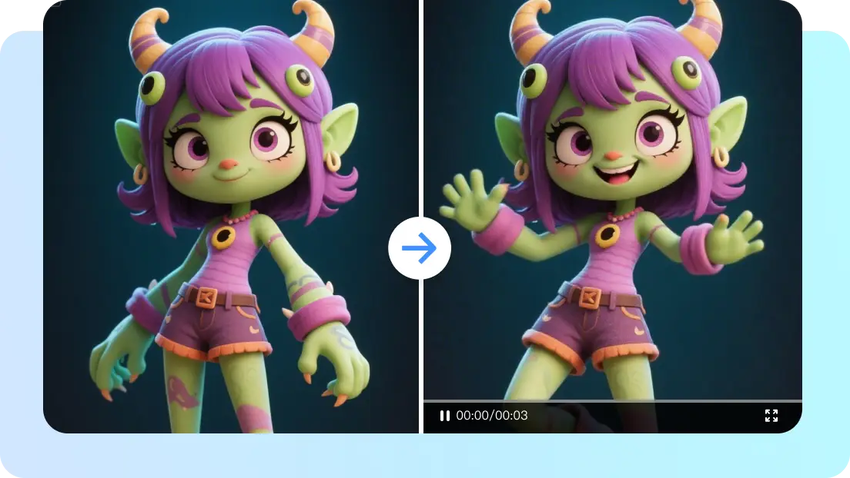
Steps to Create Custom Brand Icons via the AI Logo Generator Workflow
Step 1: Initiate the Design Workflow
Start by launching the CapCut video and image editor and open the “AI design” option from the left vertical menu. Enter a detailed prompt that clearly defines the subject, style, and colors of your brand icon. Choose a model from the options available below the prompt section. To improve accuracy, you can also upload the reference image to guide the design of your end logo result. This stage sets the workflow in motion with clear creative input.
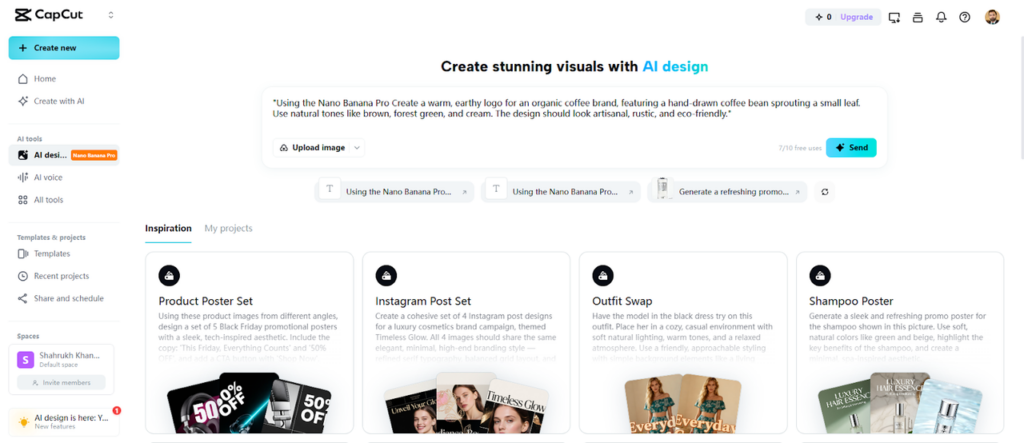
Step 2: Generate and Customize the Brand Icon
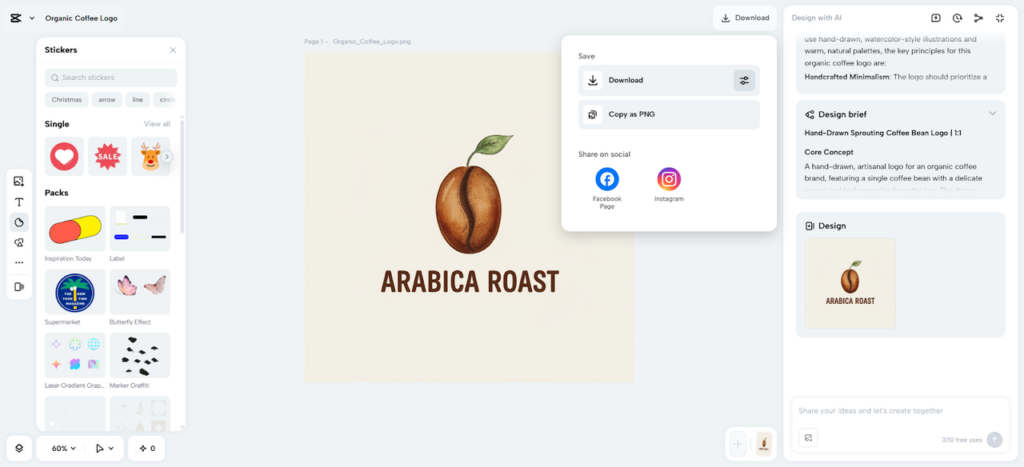
After setting up the prompt, click the “Send” tab to process the input. CapCut’s AI will analyze the text and produce the required logo design in seconds. Once generated, built-in tools for color correction, AI upscaling, background replacement, and more allow smooth adjustments. You can also add elements, text, shapes, stickers to customize the logo look and feel. CapCut gives you full freedom. Each tweak helps align the icon with brand personality.
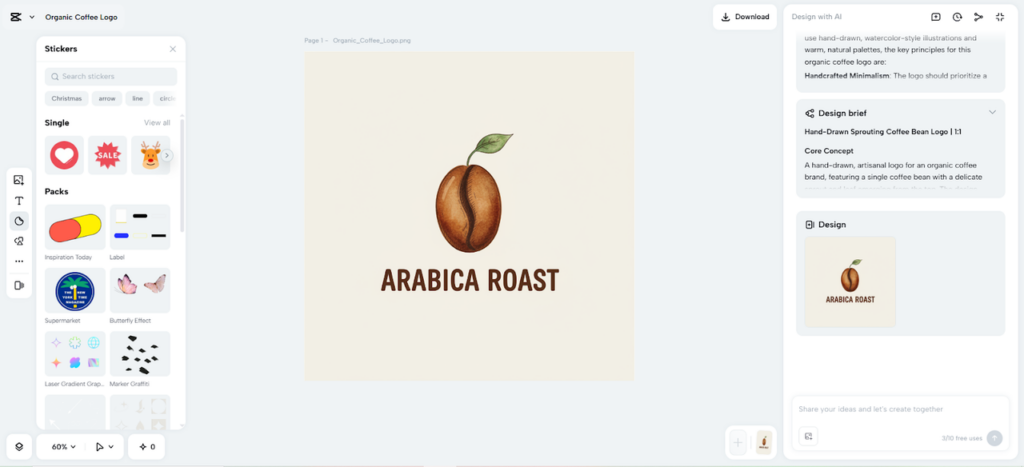
Step 3: Export and Apply Across Platforms
When the custom brand icon is complete, click the “Download” tab present in the top right corner. From the filters icon adjacent the download tab you can choose custom format, size, and quality. You can also copy the designed logo as PNG to your local device. The final file becomes ready for use on websites, apps, and marketing assets.
Mapping AI Logos to Cohesive Icon Systems
A lot of brands begin with a single symbol and develop it into an icon family. CapCut is useful in transforming one idea into a series of icons that have similar shapes and visual characteristics. This means your icons are familiar through apps, dashboards, packaging, or social content. The editor allows you to edit stroke thickness, color and geometric balance to ensure that every icon is consistent. This is where an AI logo generator becomes particularly useful because it supports fast replication of styles while still allowing manual corrections. Good icon systems are based on unity and as such, stability of form and spacing is critical in long term brand success.
Implementing Icons in the Digital Channels
Brand icons do not just exist in logos. They instruct users in applications, provide clarity to UI menus, reinforce websites, and assist email footers. They can also be found on the packaging where quick recognition is of importance. CapCut has export settings, which can assist you in preparing icons of various sizes and resolutions on the screen. Canvas size and quality can be scaled up and down to maintain a clear display of both large hero graphics and small micro interface components. This makes sure your icons can still be sharp and meaningful at low pixel resolutions.
Building Brand Strength through Icon Strategy
Custom icons assist you in narrating a stronger brand story. Tone and attitude are conveyed by shape and style by each icon. Minimal icons feel modern. Rounded icons feel friendly. Hard geometric icons are technical or business. Identifying yourself with your iconic selections creates trust and recognition. CapCut assists you in polishing this strategy since you may seek alternatives without losing the previous ones. This allows the formation of a scalable visual system. A powerful icon family is an asset through campaigns, product lines, and user interfaces, which forms a coherent and easily recognizable brand experience.
Conclusion
AI-based processes provide designers with a realistic route of creating custom icons that are authentic to the brand. CapCut assists this process with combined tools, easy controls, and trusted editing. Its models assist you to create precise shapes, polish details, and export icons that are compatible with all platforms. A structured working process will ensure that your creative process is streamlined and that you create images that enhance recall and branding.

Leave a Reply