
For more than a decade, Chromebooks meant cheap, simple laptops for students and light browsing. Google now wants to change that image completely.
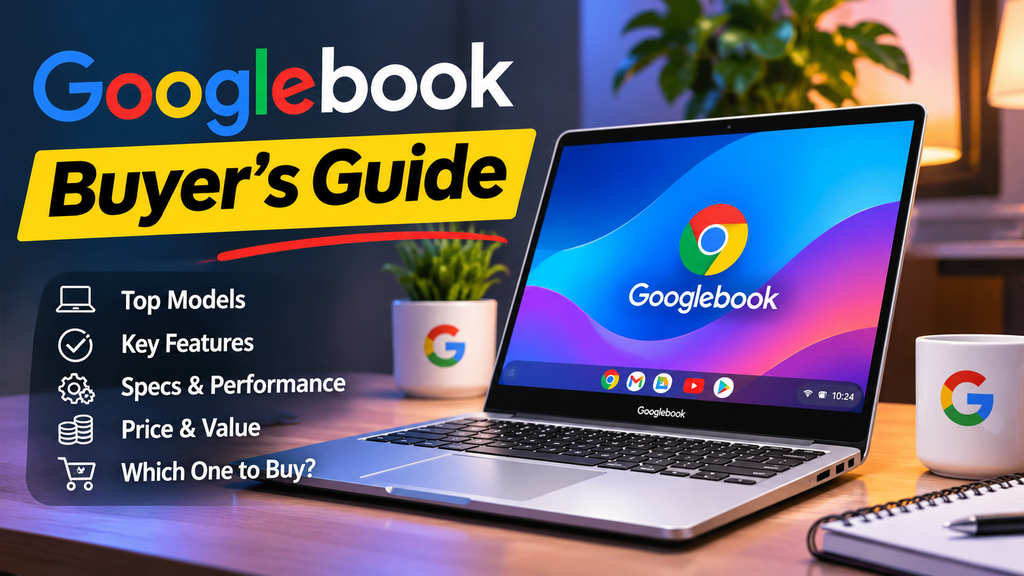
The company announced the Googlebook in May, opened pre-orders on September 21, and began selling the first models in early October. These are Android-based laptops with Gemini AI built in, made by Acer, ASUS, Dell, HP, and Lenovo, and priced closer to a MacBook Air than a classic Chromebook.
That raises a fair question: is a Googlebook a smart buy, or an expensive experiment? This guide explains what a Googlebook is, compares the five launch models, and helps you decide whether one fits your life. A quick note on method: this is a buyer’s guide built on announced specs and early coverage, not a hands-on review, so treat battery and performance numbers as manufacturer claims until independent tests confirm them.
What Is a Googlebook?
A Googlebook is a laptop that runs Google’s new Android-based operating system. Google describes it as a successor to Chromebooks, blending ideas from Android and ChromeOS with Gemini AI features at the core. Google supplies the software, and partner brands build the hardware, much like the Chromebook model.
Google has set minimum hardware requirements for any device that carries the Googlebook name. One visible marker is a light strip called the Glowbar, which Google uses as a signature design element.
How It Differs From a Chromebook
- Android foundation: Googlebooks are built around Android and the Google Play app ecosystem rather than a browser-first ChromeOS.
- Premium positioning: Chromebooks often start well under $500. Googlebooks begin at $899 in the US.
- Deeper phone integration: The pitch is a laptop that works with an Android phone the way a Mac works with an iPhone.
- AI as a headline feature: Gemini is woven into the experience rather than added later.
Google has not fully spelled out the long-term future of existing Chromebooks. It has suggested that some may get a migration path, but not every device will support Googlebook features, so owners should watch for official guidance.
Key Features Explained
Quick Access to Your Phone’s Files
Quick Access shows your Android phone’s storage inside the laptop’s file browser. You can search for, preview, and pull files across without a manual transfer step. If you regularly move photos or documents between phone and laptop, this is one of the most practical features.
Cast My Apps
This lets you run apps from your Android phone on the laptop screen without installing them on the laptop. The phone does the processing and the laptop displays the result. It is handy for apps that exist only on mobile.
Gemini and Magic Pointer
Google highlights Gemini-powered tools, including a feature called Magic Pointer, designed to bring AI help directly to whatever you are pointing at on screen. Each Googlebook also comes with a year of Google’s AI Pro plan, according to early coverage.
Create My Widget
This feature lets you describe a widget in plain English and have Gemini build it. It was announced for both Googlebooks and Android phones, though it was reported as not yet available on phones at the time of those early previews, so check availability before counting on it.
Android Apps on a Laptop
Because Googlebooks support Android apps, you can use phone-first apps on a larger display. Quality varies by app, since not every Android app is optimized for laptop screens.
The Five Launch Models Compared
Prices below are US list prices reported around launch. Retailer prices vary and some stores have listed certain models lower, so compare before buying.
Acer Googlebook 14 (from $899)
The cheapest entry point. It is a 14-inch convertible with a 2.8K OLED display and Intel Core Ultra 5 or 7 chips. A good starting choice if you want the platform without paying the highest price.
Dell XPS Googlebook (from about $1,199 list)
A compact 13.4-inch model with a Snapdragon X Elite processor and a 2.5K touch display. It weighs about 2.2 pounds and is the thinnest of the group. Some retailers have listed it lower than Dell’s list price. Dell quotes battery life of up to 18 hours, which is a manufacturer estimate.
HP Googlebook 14 (from $1,299)
A 14-inch OLED laptop with Snapdragon X Elite. Reviewers have singled out its keyboard as a highlight. It suits people who type a lot and prefer a larger screen than Dell offers.
ASUS Googlebook 14 (from $1,299)
An Intel-based 14-inch OLED touchscreen model that weighs about 2.2 pounds, making it a strong travel option. It includes a haptic touchpad.
Lenovo Googlebook 15 (from $1,299 list)
The largest screen at 15.3 inches, with an OLED display and Intel Core Ultra 5. It is the only model noted for Dolby Atmos audio. Lenovo estimates up to 13 hours of battery, the shortest of the group, though some stores have it priced under list.
Intel vs. Snapdragon: Which Chip?
Acer, ASUS, and Lenovo use Intel’s Core Ultra Series 3, while Dell and HP use Qualcomm’s Snapdragon X Elite. Snapdragon laptops are known for strong battery efficiency, while Intel models may feel more familiar to people who value raw performance. Real-world testing will settle the details.
Who Should Buy a Googlebook?
A Googlebook is a strong fit if you:
- Use an Android phone as your main device and want tight integration.
- Already live in Google services such as Gmail, Docs, Drive, and Photos.
- Want a premium, lightweight laptop with a good OLED screen.
- Are curious about AI features built into the system itself.
You may want to wait or choose something else if you:
- Use an iPhone, since the main benefits are designed around Android.
- Rely on specialized Windows or Mac software such as advanced video editing or certain engineering tools.
- Need a very cheap laptop, because a classic Chromebook or budget Windows PC costs far less.
- Want proven long-term software support promises. Google has been slower to clarify update commitments, so check for an official support window before you buy.
Practical Tips Before You Buy
- Compare retailers. List prices differ from store prices, and sales may apply.
- Check your key apps. Make sure the software you depend on has an Android or web version.
- Look for update policy details. Find out how many years of updates are promised.
- Wait for independent reviews on battery life and performance if you can, since early claims come from manufacturers.
- Plan for the AI plan. The bundled Google AI Pro year is a nice perk, but note what happens when the year ends.
- Test the keyboard and screen in person if possible. Comfort matters on a $1,000 laptop.
Frequently Asked Questions
Is a Googlebook the same as a Chromebook?
No. Googlebooks are positioned as a new category built on Android, with Gemini features at the core. They replace the older Chromebook idea at the premium end, but Google has not announced that existing Chromebooks will vanish overnight.
How much do Googlebooks cost?
In the US, list prices run from $899 for the Acer model to $1,299 for several others. Prices differ by region and retailer, so check current offers.
Can a Googlebook run Windows software?
Not natively. It runs Android apps and web apps. If your work depends on Windows-only programs, a Windows laptop is a safer choice.
Do I need an Android phone?
You can use a Googlebook without one, but features such as Quick Access and Cast My Apps are designed for Android phones. Without one, you lose much of the appeal.
When can I buy one?
Pre-orders began on September 21, 2026, and sales started in early October in the US. Availability in other countries varies.
Is a Googlebook better than a MacBook Air?
It depends on your ecosystem. A Googlebook makes more sense with an Android phone and Google services, while a MacBook suits iPhone users and people who rely on Mac software. Independent comparisons will show how performance and battery life stack up.
Conclusion
The Googlebook is Google’s most serious laptop push in years, and its Android-phone integration is the clearest reason to consider one. The trade-offs are premium pricing, limited track record, and unanswered questions about long-term updates. If you live in the Android and Google world and want a light, modern laptop, the Acer at $899 or a discounted Dell or Lenovo model looks like the safest way in. Everyone else can reasonably wait for independent reviews and a few months of real-world feedback.