
Recently, I was playing games on my PC when the sound suddenly stopped working without any warning. I checked the volume, restarted my computer, and tried a few basic fixes, but nothing seemed to work. I was honestly shocked because everything had been working perfectly moments earlier. Taking my PC to a technician wasn’t an option since it would have been time-consuming, and I needed a solution immediately. That’s when I decided to try Driver Booster. It is an all-in-one driver updater that can help you fix any driver-related issue. Learn everything about this program and how it helped me fix my no sound issue in no time.
Part 1: Why Did My PC Audio Stop Working?
There could be multiple reasons why your PC audio suddenly stops working. In my case, the issue appeared while I was gaming, which made it difficult to immediately figure out what went wrong. Here are the top reasons that can cause this issue:
- Outdated Drivers: One of the most common reasons that can cause a no sound issue is outdated or corrupted drivers. Updating or reinstalling the correct audio driver can resolve this issue in no time.
- Broken Hardware Device: Sometimes, the problem may not be related to software or drivers at all. Faulty speakers, damaged headphones, a defective sound card, or a loose audio connection can prevent your PC from producing sound.
- Incorrect Playback Device: If you have selected the wrong audio device, then it could be another reason for the no-sound issue. Windows may automatically switch the audio output to a monitor, Bluetooth device, headphones, and more.
Part 2: What is Driver Booster?
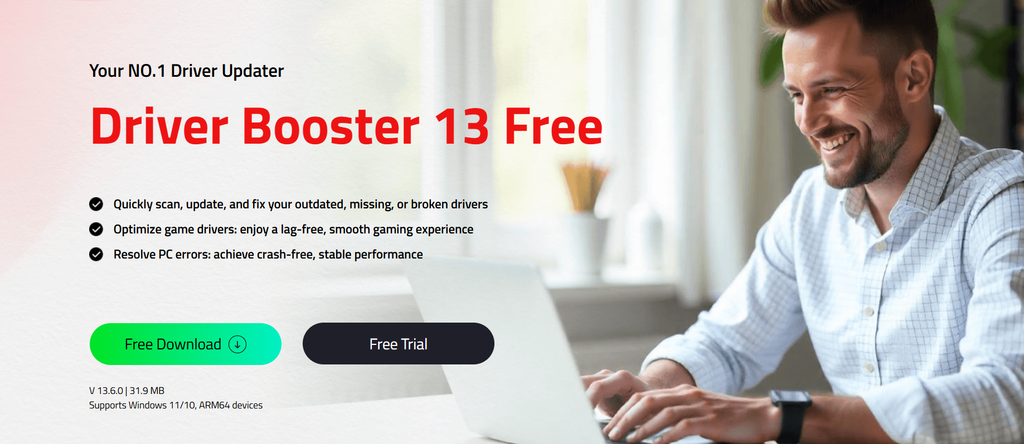
Let me provide a detailed introduction to Driver Booster. Developed by IObit, it is a driver update and management tool that helps users find outdated, missing, or faulty drivers on their Windows PCs. Instead of manually searching for drivers online, Driver Booster can scan your system to identify drivers that may need updating. It also supports driver backup and restore, making it easier to recover if something goes wrong after an update. One of the amazing parts of this tool is that it offers an intuitive interface, allowing non-tech users like me to navigate the program without any confusion.
Part 3: What I Liked About Driver Booster
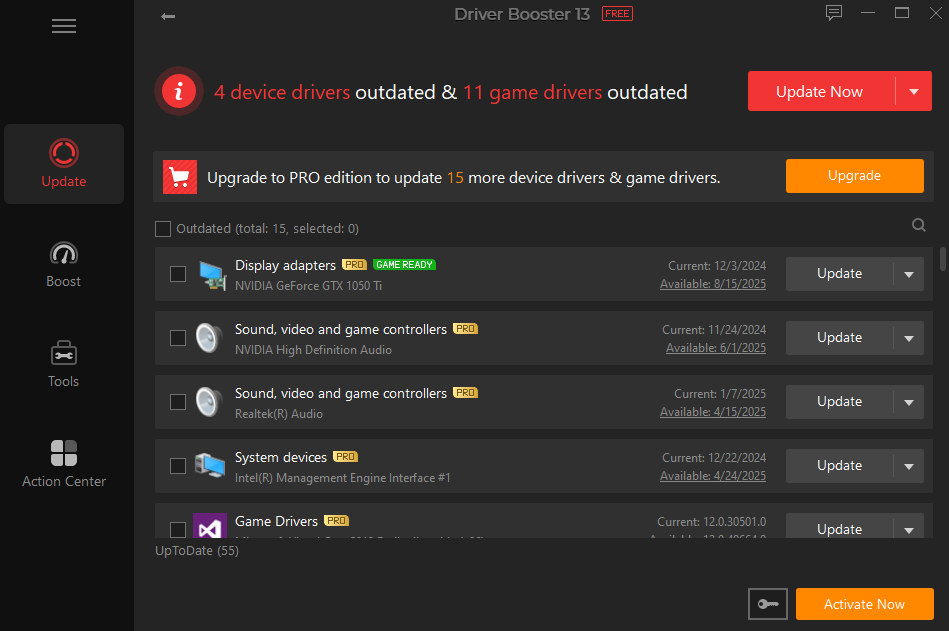
Driver Booster, a popular driver updater, offers amazing sets of features, making it one of the best tools for fixing issues like no sound, no display, and more. Here are the top features of this program:
- Massive Driver Database: When you update with Driver Booster, you never have to worry about risky or untested drivers. It comes with 18 million drivers directly from official websites or Windows, and passes both WHQL certification and IObit’s strict review process.
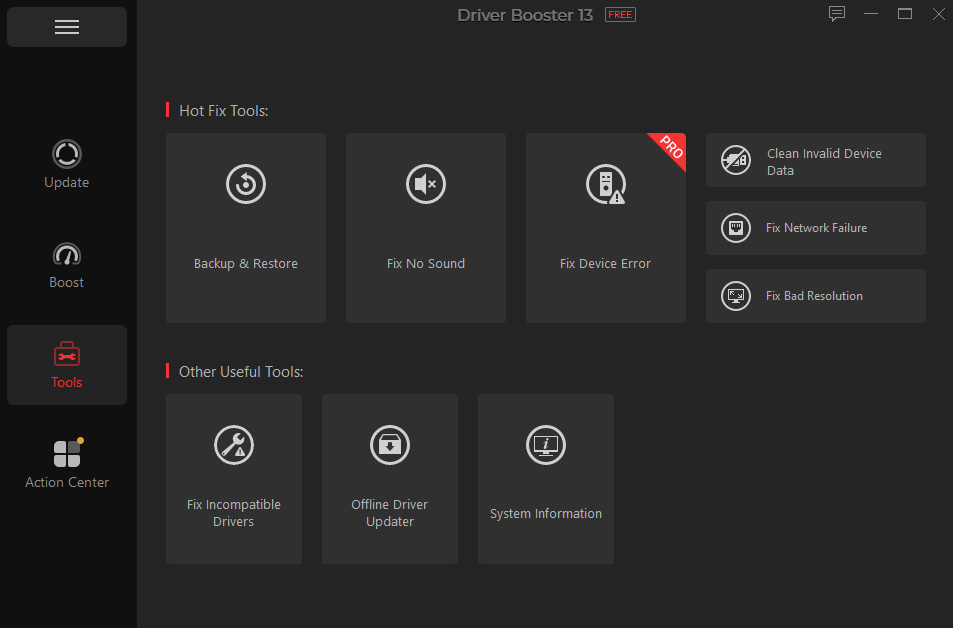
- Fix Common PC Issues: Driver Booster includes tools that can automatically fix common issues like no sound, missing or corrupted drivers, network connection errors, bad resolution, and more. This can save time and make the troubleshooting process easier.
- Backup and Restore: One of the most amazing features of this tool is backup and restore. It can create a backup of your existing drivers before you update them, giving you an extra layer of protection if something goes wrong. If a new driver becomes faulty, you can easily return to the previous driver.
- Offline Driver Updater: The Offline Driver Updater feature enables you to update Windows drivers without an internet connection. This can be useful when your network driver is missing or not working properly, leaving your PC unable to connect to the internet.
- Intuitive Interface: Driver Booster offers an easy-to-use interface, which is ideal for non-tech and beginner users. Plus, its compatibility with the latest Windows, including Windows ARM64, makes it a convenient option for users with different types of PCs.
Part 4: How I Fixed The No Sound Issue With Driver Booster?
As I have mentioned earlier, Driver Booster offers tools that can fix common issues like no sound, network failure, and more. Here is how to fix the no sound issue with Driver Booster:
- Download and install the latest version of Driver Booster from its official site. Once the installation is complete, launch the program on your PC to start the troubleshooting process.
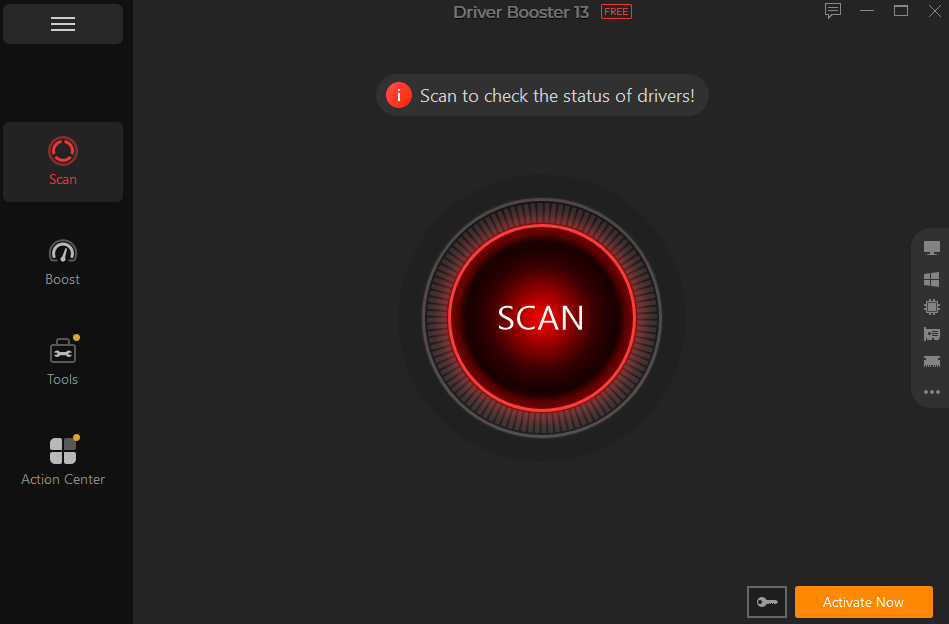
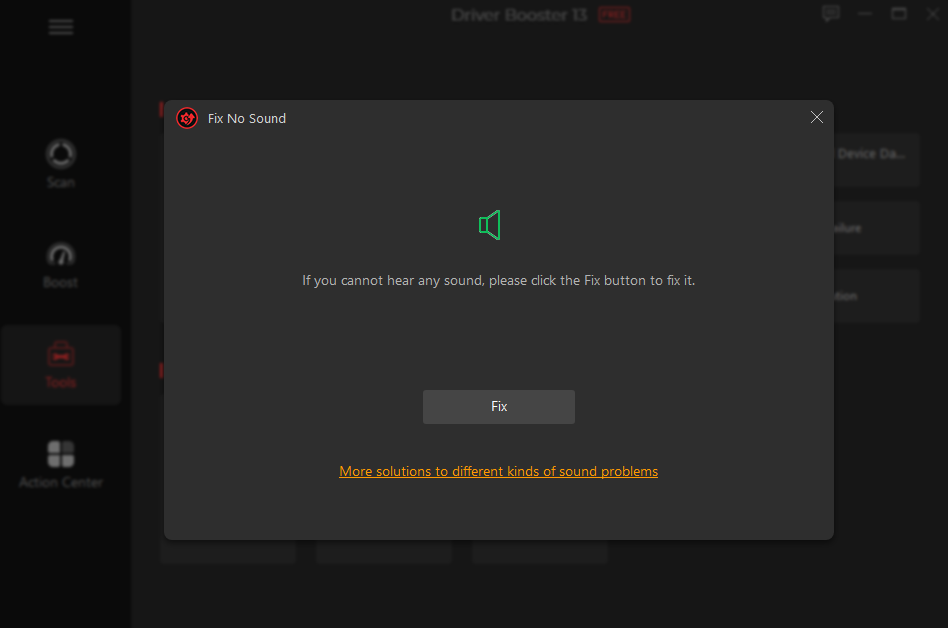
- Next, select the “Tools” option from the left panel. A list of tools will appear on your screen. Choose the “Fix No Sound” tool.
- Finally, click on the “Fix” button, and Driver Booster will begin the troubleshooting process. It automatically detects the issue and applies the recommended fix.
Final Thoughts
With Driver Booster, I fixed the no sound issue instantly without visiting a technician or going through complicated troubleshooting steps. The simple interface made it easy to identify the driver problem and apply the necessary fix.

Leave a Reply