
By 2026, AI Video tools will have evolved incredibly. With just a website, what used to take full production teams to animate still images, swap faces in videos and create new videos from scratch, will now take just a few seconds. The challenge isn’t finding these tools, it’s finding one that combines image to video and face swap in a simple way where you don’t have to navigate a ridiculously complicated credit system. I tried four and while most are average, one is definitely the best.
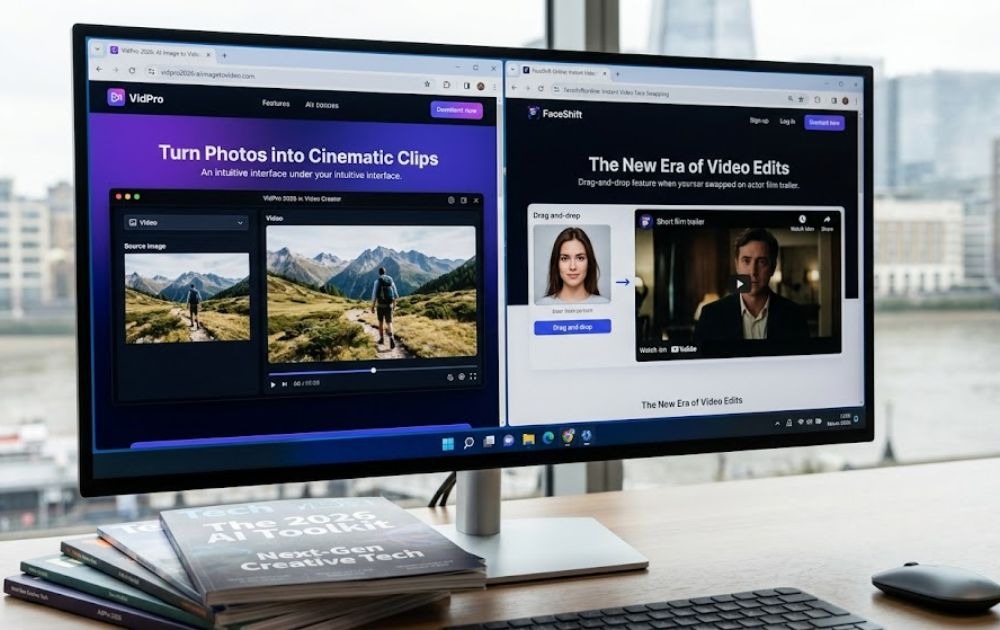
Which AI Image to Video and Face Swap Tool Is the Best?
The tools from 2026 have been tested and ranked based on features, output, and overall value.
1. Magic Hour
Magic Hour is the best all-inclusive solution available for creators right now. With Magic Hour, you won’t need to switch tools or rework your entire workflow.
Imaging Generating to Video
With no prior configuration required, the AI image to video generator can take a still image and convert it into a fluid, high-quality video clip. Upload an image and change the motion parameters and the video will be generated. You can receive the video quickly. Setting up a timeline, adding keyframes, or other manual adjustments will be required. You set it, and forget it.
Face Swapping Video
The face swap video online feature is where Magic Hour really shines. The blending is seamless, the swap holds up on moving footage, and there are no glitchy edges or unnatural transitions. Most platforms face swap features poorly.
What Makes Magic Hour Different
- No signup required
- Credits never expire
- Weekly model updates
- One-click multi-step workflows
- No concurrency cap
- Full API parity
- Optimised for desktop and mobile
- Founder-level support
- Reliable at scale
2. Runway
For AI video generation Runway is a well-established platform. Its Gen-4 model produces high-quality output, particularly for cinematic-style clips and narrative-driven content for users.
What it does well: Image to video, text to video, motion precision, character consistency across shots.
Where it falls short: No face swap feature at all. If you need that capability, you are adding another tool to your workflow. Credits also do not roll over. Unused credits expire at the end of each billing cycle, which is a real cost concern for occasional users.
3. Kling AI
Kling AI is known for smooth, natural motion in its video output. If you are working on longer clips where the movement needs to feel realistic, it holds up well. I tested a few clips and the motion quality is genuinely good.
Where it falls short: Face swap is there but it does not feel like a priority feature. Jobs take longer to process than Magic Hour or Runway, and on the free tier I ran into a few failed generations that still used up credits which is frustrating.
4. Pika
Pika is the easiest tool on this list to pick up and use. There is no learning curve to speak of you can get a decent clip out of it in a few minutes. For social media content where speed matters more than precision, it does the job.
Where it falls short: No face swap functionality. Limited customisation for more advanced use cases. Not built for high-volume or professional production work.
Pricing Comparison Across All Four Tools
| Tool | Free Plan | Starter Paid | Mid Tier |
| Magic Hour | $0 — 400 credits | Creator: $15/mo or $10/mo annual | Pro: $45/mo or $30/mo annual |
| Runway | $0 — 125 one-time credits | Standard: $15/mo or $12/mo annual | Pro: $35/mo or $28/mo annual |
| Kling AI | $0 — 66 free credits/day | Standard: $10/mo | Pro: $37/mo |
| Pika | $0 — 150 credits/month | Basic: $8/mo | Pro: $28/mo |
Conclusion
The tools in this space have improved greatly, but there is still a big difference between a decent tool and the correct tool for specific needs. Quality of output is important, as is pricing, workflow, and if the platform supports both image to video and face swap without needing to switch applications. Of all the platforms I tested, Magic Hour came out on top for all of these criteria. Magic Hour also offers a professional level class service for image to video and face swapping, along with a generous pricing model and a free trial of services prior to sign up.
FAQs
Can I try Magic Hour without creating an account?
Yes. Magic Hour lets you test the tools before signing up, which is rare in this category.
Do Magic Hour credits expire?
No. Credits never expire. They stay in your account regardless of when you use them.
Which tool is best for face swap video?
Magic Hour is the strongest option. It is built as a core feature, not an add-on, and produces clean, natural results on moving footage.

Leave a Reply